


When you’re very much activity with the computer, while the windows have just finished the process of updating the software gives a warning to you to reboot the computer, which is something very annoying.
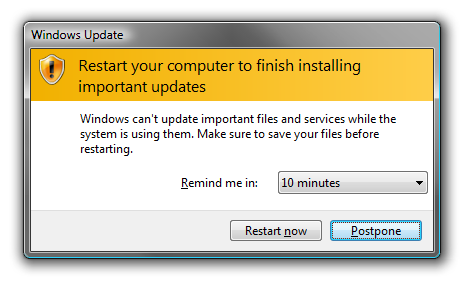
Especially now that you’ve just found an article that has been hard to find, even when it was discovered the website slow once opened, or you’re seeing a very funny video that makes you laugh, or you’re chatting with a client with business potential billions of dollars, of course very silly if you are required to reboot the computer. Oh no … you may be lazy to open another site earlier, spontaneous humor was not so funny, maybe even billions of dollars were missing a business.
The first thing to do is call an expert troubleshooting, no, you do not have to do that. Here are tips that light you can do yourself for your windows are not forced to reboot.
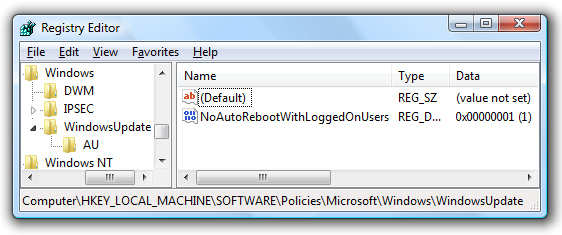
- Open your regedit.
- Follow this navigation HKEY_LOCAL_MACHINE SOFTWARE Policies Microsoft Windows WindowsUpdate AU
- Create a new DWORD key as shown below, with name NoAutoRebootWithLoggedOnUsers with value 1
but in addition to the above this way, you can do temporarily disable this update process. good luck!





